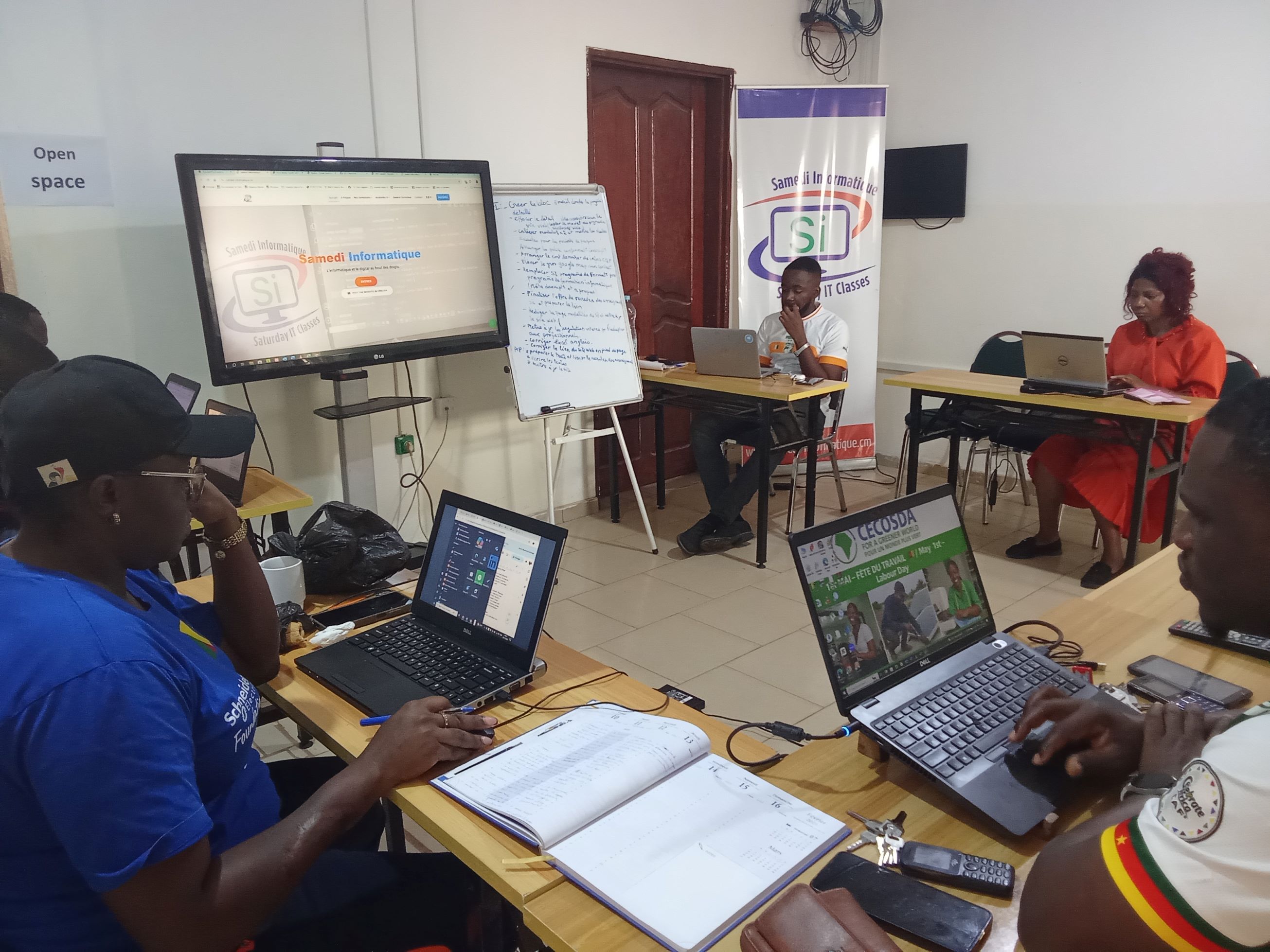
Turn your Excel skills into an essential professional asset and take your career to the next level.
Excel for professionnals
Training objective
Curriculum & Progression
Advanced formulas (SUMIF, INDEX/MATCH, IF), pivot tables, Power Query for data import and cleaning, conditional formatting, advanced charts, and file consolidation. To master: Data analysis, dashboard creation, and professional report automation.
Registration Confirmation: Confirm your registration one week before your chosen start date.
Session Program:
- Session 1 — Using Excel to create and organise simple tables Personal budget tracking or basic lists with automatic calculations.
- Session 2 — Using Excel to calculate and summarise data Totals, averages and formatting for quick analysis of figures.
- Session 3 — Using Excel to manage inventory or operational lists Automatic alerts and conditional formatting to view stock status.
- Session 4 — Using Excel to prepare and clean up field information Sorting, filtering and managing duplicates for reliable, structured data.
- Session 5 — Using Excel to analyse results and surveys Simple advanced formulas, filters and charts to interpret information effectively.
- Session 6 — Using Excel to create clear charts and reports Summary charts, simple dashboards and professional layout.
- Session 7 — Using Excel for data analysis Visual indicators, pivot tables and advanced filters to fully exploit information.
- Session 8 — Using Excel to consolidate and present multiple sources File consolidation, advanced formulas and layout for a comprehensive and readable report.
Requirements
- Basic computer skills
- Occasional use of a smartphone/tablet
- Own a personal computer (if applicable, please indicate).
Ready to get started?
Sign up now and start